Automatic orders
Your customers' orders are created directly in Business Central, with no typing required.
Exchange orders, delivery notes and invoices with your customers and suppliers automatically, with no retyping documents or chasing emails.
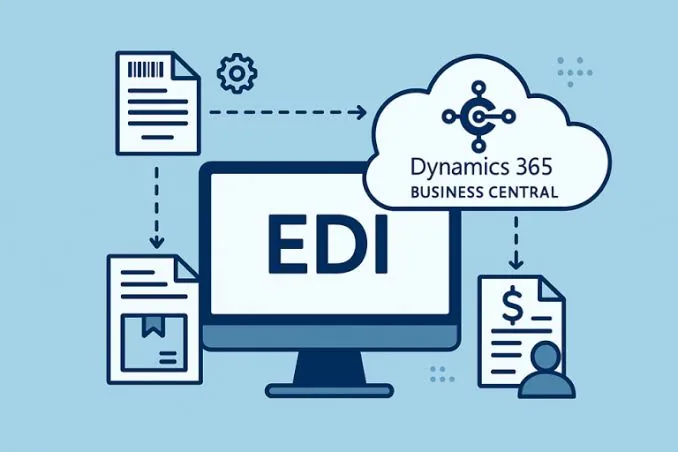
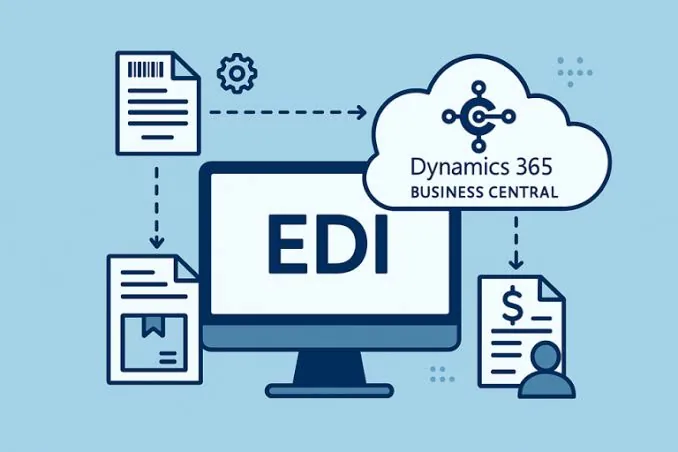
EDI (Electronic Data Interchange) lets your company and your trading partners exchange documents in a standardized format that both systems understand. Orders flow straight into Business Central, and delivery notes and invoices go out without anyone preparing them by hand.
If you work with large distributors, retail chains or industrial customers, they very likely require you to exchange documents via EDI. Doing it by hand means re-entering orders, carrying over typos and losing hours chasing emails and PDFs.
With EDI integration, those documents travel directly between your customer's system and your Business Central. Your team stops typing and starts reviewing exceptions, which is where they add real value.
Your customers' orders are created directly in Business Central, with no typing required.
Notify your customer of shipments as soon as they leave the warehouse.
Send invoices via EDI and reduce disputes and payment delays.
You always know what's been sent, what's been received and what has failed.
We start with a document map: which trading partners you work with, what messages you exchange with each (order, delivery note, invoice, confirmation) and what format and channel each one requires.
Then we set up the connection and translate each document into the format the other party expects, matching your item, customer and unit references with theirs. This is the most delicate part, and where experience matters most.
Finally we test with real documents alongside your trading partner until the whole flow works end to end. Once live, we leave the system monitored to catch any failed transmission and fix it in time.
It stands for Electronic Data Interchange: a standardised way of sending business documents (orders, delivery notes, invoices, confirmations) directly between two companies' systems, without going through email, PDF files or typing anything in by hand. Each message follows an agreed format that both systems understand, so an order that leaves your customer's system automatically enters your Business Central as an already-completed sales order, and an invoice you generate reaches your customer's system ready to be processed with nobody transcribing it. The result is that documents flow on their own between the two companies, and people on both sides stop spending time manually entering what the other party's system already generated, also reducing the transcription errors that manual process tends to bring.
Large distribution chains, retailers and many industrial customers handle thousands of documents a day with hundreds of suppliers, and they can't afford to have each one send orders and invoices in a different format that someone has to type into their system by hand. That's why they set EDI as a requirement for working with them: it's their way of ensuring every supplier delivers information in a single format their system processes automatically, without relying on someone reviewing emails and PDFs one by one. If they require it of you, it isn't an isolated technical preference on your side — it's a standard condition of their supply chain that they probably already apply to most of their current suppliers.
The most common documents are the purchase order, order confirmation, dispatch advice (equivalent to a delivery note) and the invoice, although depending on the trading partner and industry other messages can also be exchanged, such as product catalogues, goods-receipt notices or account statements. Exactly which messages are used and in which direction each one flows — from the customer to you or from you to the customer — is defined individually with each trading partner, because not all of them require the same set of documents or at the same frequency. That map is agreed during the project's initial analysis phase, before configuring anything, so as not to assume a flow that your specific trading partner doesn't actually need or support.
Yes, and in fact it's the most common scenario: each trading partner usually has its own message format, its own item and customer references, and its own sending channel (a specific EDI network, a particular protocol or a different value-added provider). The integration is designed to absorb those differences underneath, matching each partner's references to yours and translating each message into the format that particular partner expects. The result is that, inside Business Central, your team always works the same way — seeing normal orders and invoices — with no need to know or worry about the technical particulars of each customer or supplier you exchange documents with.
The system logs the status of every document sent or received, so you can check at any time whether a message arrived correctly, whether the recipient rejected it for some reason, or whether it's still pending confirmation. When something fails — a misinterpreted format, an item reference that doesn't match, a temporary connection failure — it's logged as an exception, and an automatic alert can be set up so someone on your team reviews it right away, instead of finding out weeks later because your customer is chasing an order that never arrived or an invoice that was never processed. That active monitoring is exactly what stops automation from turning into an uncontrolled black box.
It mainly depends on how many trading partners need to be connected and how demanding their technical requirements are — setting up a single connection with a customer that already has a mature EDI process is not the same as launching several in parallel with different specifications each. As a rough guide, a first connection with a trading partner is usually up and running within a few weeks, including the time needed for joint testing of real documents with that customer or supplier, which is the phase that determines whether the whole circuit works end to end. After the initial analysis of your case we give you a firm, realistic timeline, rather than a generic figure that doesn't account for your specific trading partners.
A standard connector or a custom development? The question that actually decides is whether someone has already solved your exact case before.
Read articleOverselling happens when your stock lives in several disconnected systems. The fix isn't counting more often: it's having one single source of truth.
Read articleDifferences between EDI and API for connecting your ERP with customers and suppliers: when you'll be required to use EDI and when an API is the sensible choice.
Read articleTell us about your project and we'll advise you with no commitment on Business Central, Power BI, Power Platform or Azure.
Request your personalized consultation